Intended Audience: Professional Learners/Educators, MiRegistry Members
About
The Sync Data feature allows learners to manually update their information with the LMS. This ensures that recent activity, such as course completions, is accurately reflected. The feature also displays the date and time of the most recent sync, providing visibility into when data was last updated.
Instruction
- Within the Dashboard, tap the Sync Data button.
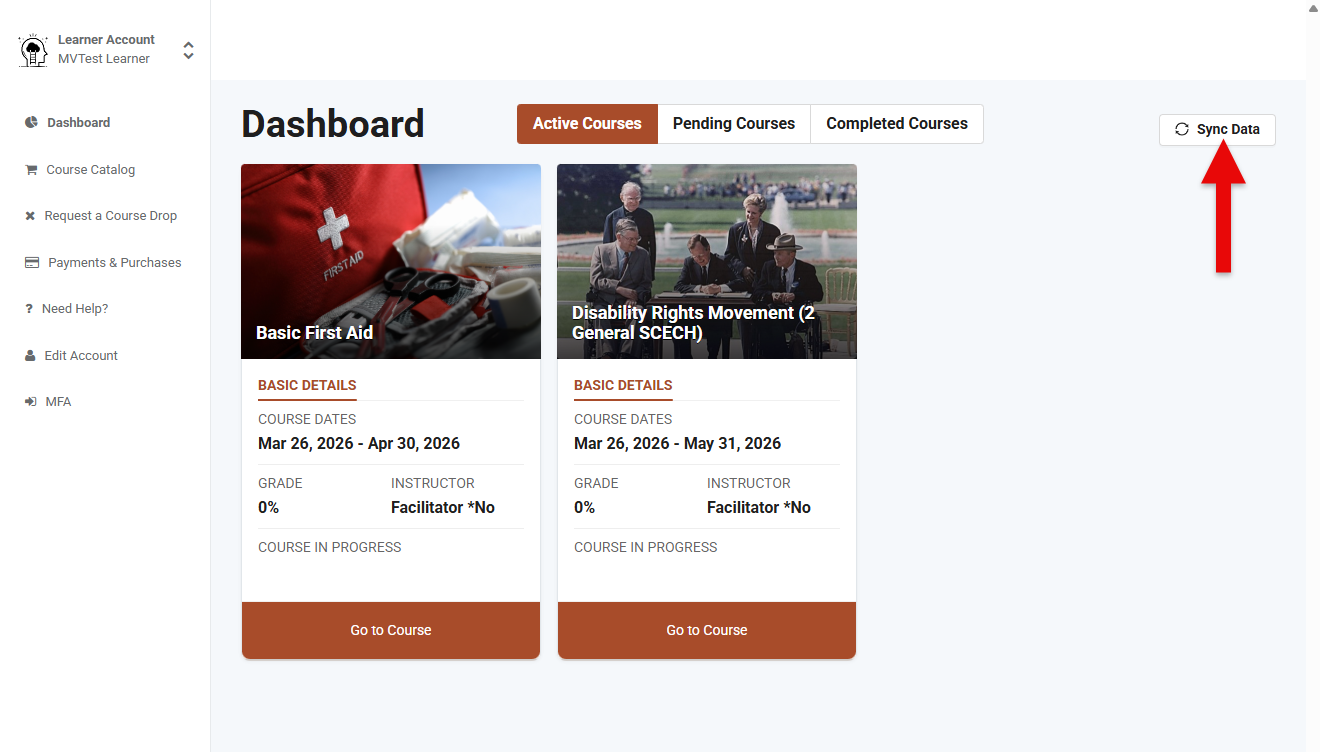
- While the synchronization is in progress, the button will be grayed out and display “Syncing.”

- Confirm the sync by reviewing the displayed timestamp, which indicates the most recent update.
