Intended Audience: Professional Learners/Educators, MiRegistry Members
About
To protect user accounts, the Professional Learning Portal (PLP) limits the number of consecutive failed login attempts. After multiple unsuccessful attempts, the account will be temporarily locked.
Important: Learners are allowed up to three (3) login attempts before being blocked from accessing their account.
What Happens After Failed Login Attempts
1st Failed Attempt
Error Message: “Please verify your login and password.”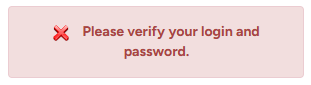
- Try logging in again carefully, double-checking the username and password.
2nd Failed Attempt
Error Message: “Please verify your login and password. The user will be blocked in the next invalid login attempt.”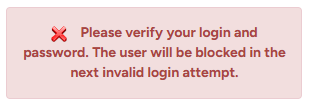
- Do not attempt to log in again.
- Instead, select the “Recover your password” link to reset the password.
Important: Attempting to log in again without resetting the password will result in account lockout.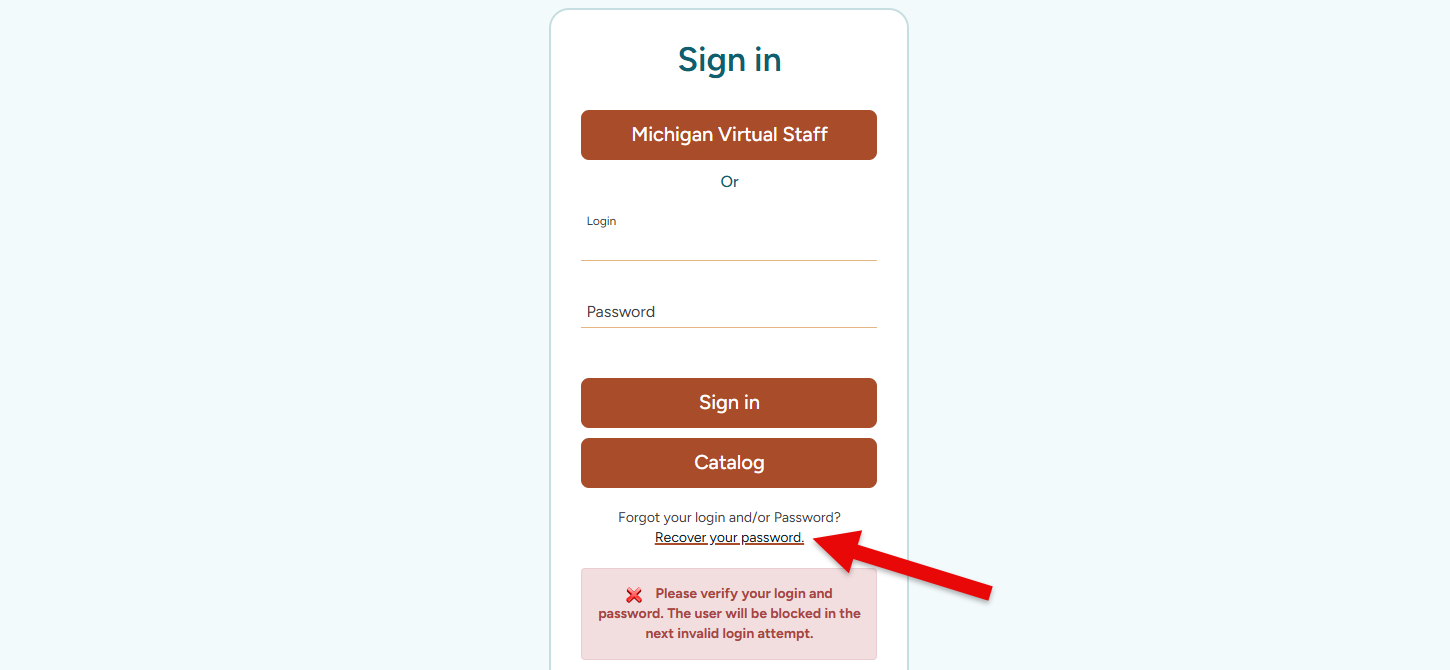
3rd Failed Attempt (Account Locked)
Error Message: “The user has been blocked for reaching the maximum of 3 invalid login attempts.”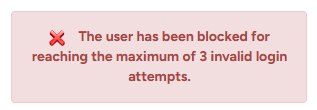
- Please contact Customer Care to unlock the account.