Intended Audience: Professional Learners/Educators, MiRegistry Members
About
In the Professional Learning Portal (PLP), the email address also serves as the username for login. In some cases, a learner may need to update the email address on file—such as when moving to a new job or adopting a new preferred account. Updating the email address ensures continued access to active courses, completion certificates, and learning history.
Instruction
- First, login to the PLP.
- Next, tap the Edit Account option from the left menu.
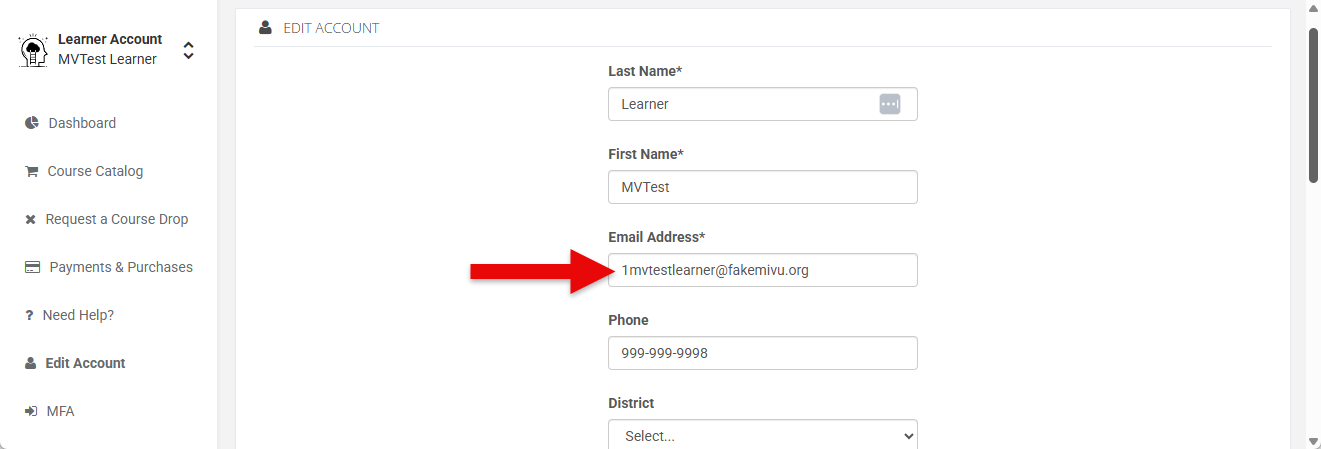
Note: If the "Edit Account" option is not available, please contact the Customer Care team to update the email address. - Replace the text within the Email Address field.
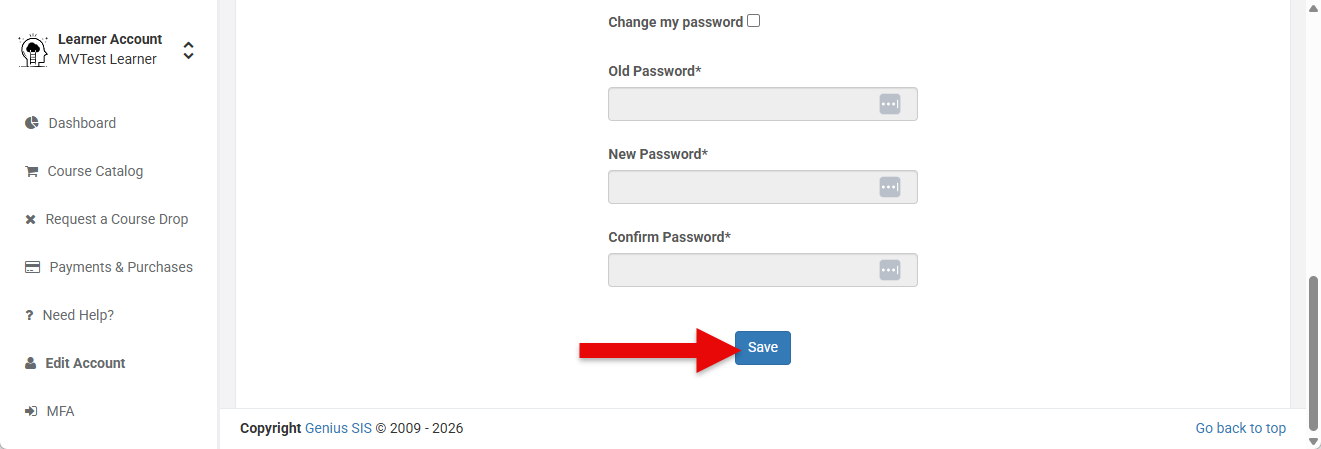
- Scroll to the bottom of the page and tap Save to apply changes.