Intended Audience: Professional Learners/Educators, MiRegistry Members
What is the Help Widget?
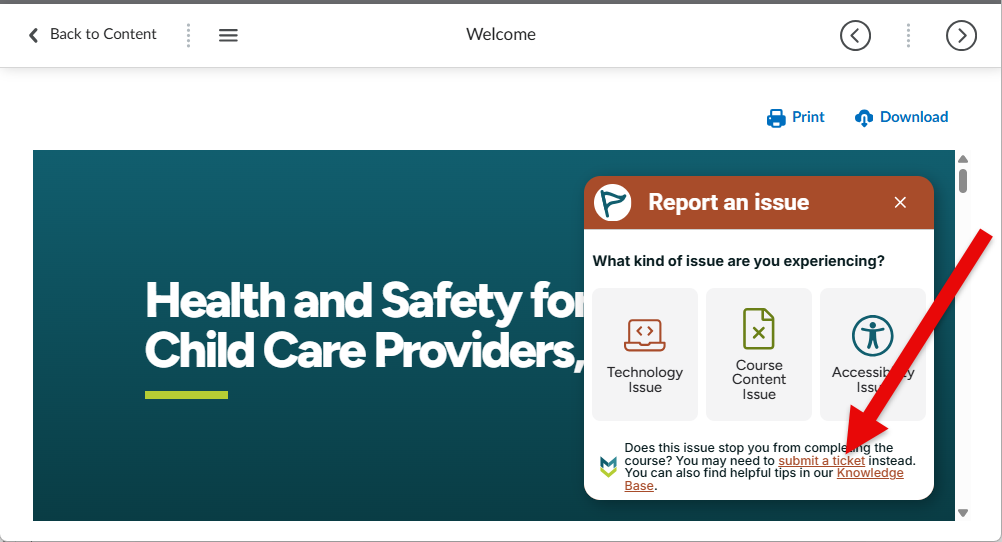
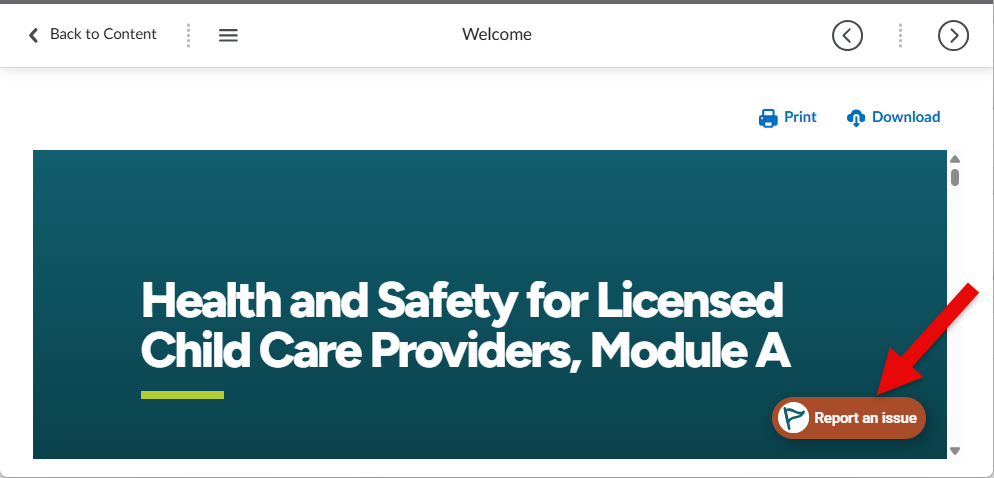
The Help Widget is a quick way to report an issue while you’re working in your Michigan Virtual course. For example, you can report a broken link for a resource or an image that doesn’t load. While the help widget creates a ticket for our customer support team, the ticket does not contain your name or contact information. If you need a customer service representative to follow up with you or you are having an issue with the course that is preventing you from moving forward/completing it, please submit a ticket through our customer care portal.
Why Use It?
- Fast support – Provide feedback without leaving your course.
- Easy to use – Just select the widget, pick a category, and fill out the short form.
- Helps improve your course – When you report issues like broken links or confusing instructions, we can fix them quickly.
When to Use It
You can use the Help Widget any time you:
- Find a broken link or missing resource
- Have a technical problem
- Notice something that isn’t accessible or doesn’t work right
How It Works
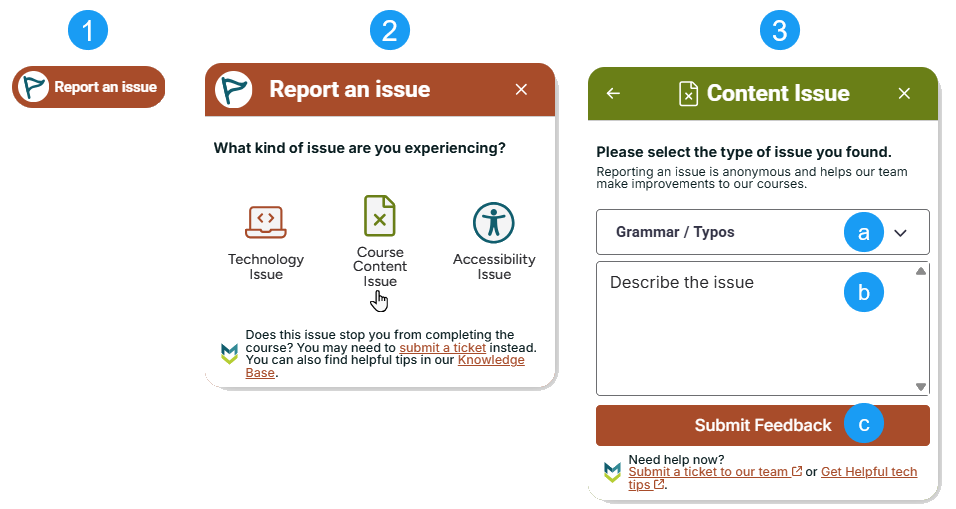
- Select the Help Widget (found on your course page).
- Choose the option that best matches your problem.
- Give us a few details in the form.
- Select from the picklist once you’ve chosen the appropriate category.
- Add any relevant information in the description box.
- Use the Submit Feedback button to alert our team of the issue.
- Submit, and we’ll make sure it gets to the right Michigan Virtual team member. Remember: you will not be contacted directly regarding your feedback.
Submitting Formal Feedback
The widget also includes a link to submit a formal ticket directly to the Michigan Virtual Customer Care team if your issue needs more detailed assistance or you need a customer care member to get back to you.